
Viral Academy
Welcome,
NAVIGATION
Module
5
.
Lesson
1
Basics of Editing
Before we get into the deep stuff, here is a quick overview of what the editing process actually looks like and what you will be doing.
—
The Process
Every video you make will follow the same basic workflow:
Download your clip or podcast audio
Remove the background audio from the clips if there is any
Import it into Premiere Pro
Find the best moment and trim everything else out
Layer your AI voice over the clip if you are doing commentary
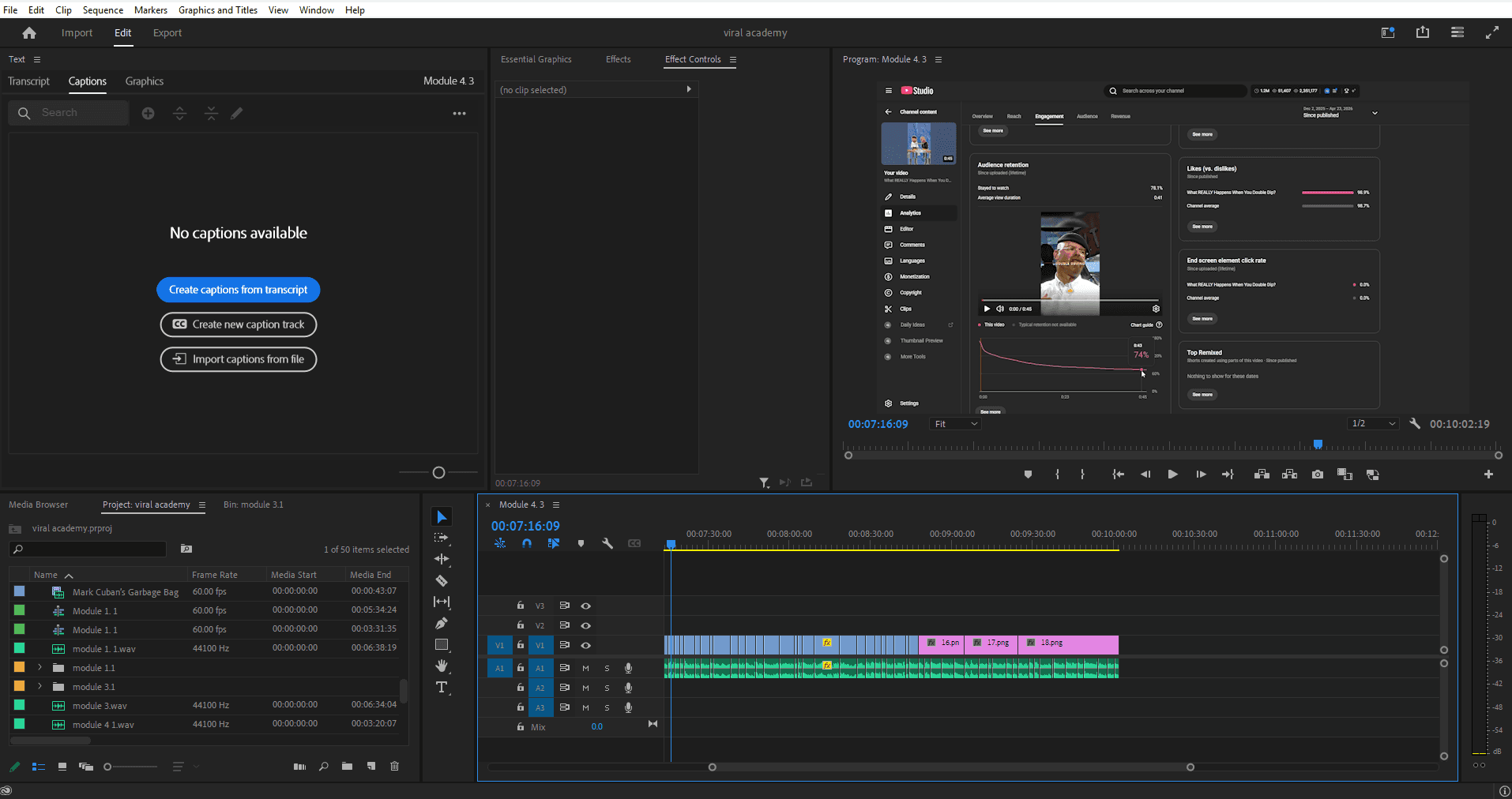
Add captions, B-roll and music in Premiere Pro
Add caption effects, logo and colour correction in After Effects
Export the visual clip from After Effects and import back into Premiere Pro containing your music and audio
Export and compress with HandBrake
Upload
That is it. Once you have done it 10 times it becomes second nature.
—
What You Will Be Using
Premiere Pro. Your main editing software, this is where everything happens
After Effects. For caption animations and visual effects
ElevenLabs. To generate your AI voiceover
CapCut. Free editing software alternative if you are just starting out and not ready for Adobe yet

—
What's Coming
The next lessons go deep on each part of this process:
Software setup: Premiere Pro and After Effects
How to remove background audio from clips
How to create captions
Music, sound effects and audio tips
Exporting with HandBrake
Now this might look super overwhelming. I get it. Starting anything new, there will be a lot of things that you don't know and that's okay.
Take it one lesson at a time. By the end you will have a full editing workflow that you can run on autopilot.
You got this.