
Viral Academy
Welcome,
NAVIGATION
Module
6
.
Lesson
4
Caption Zoom Tutorial
Before You Start
You will need to install AEUX before following along. Here is how to set it up:
Step 1. Download ZXP Installer and the Zoom Caption preset here [link]
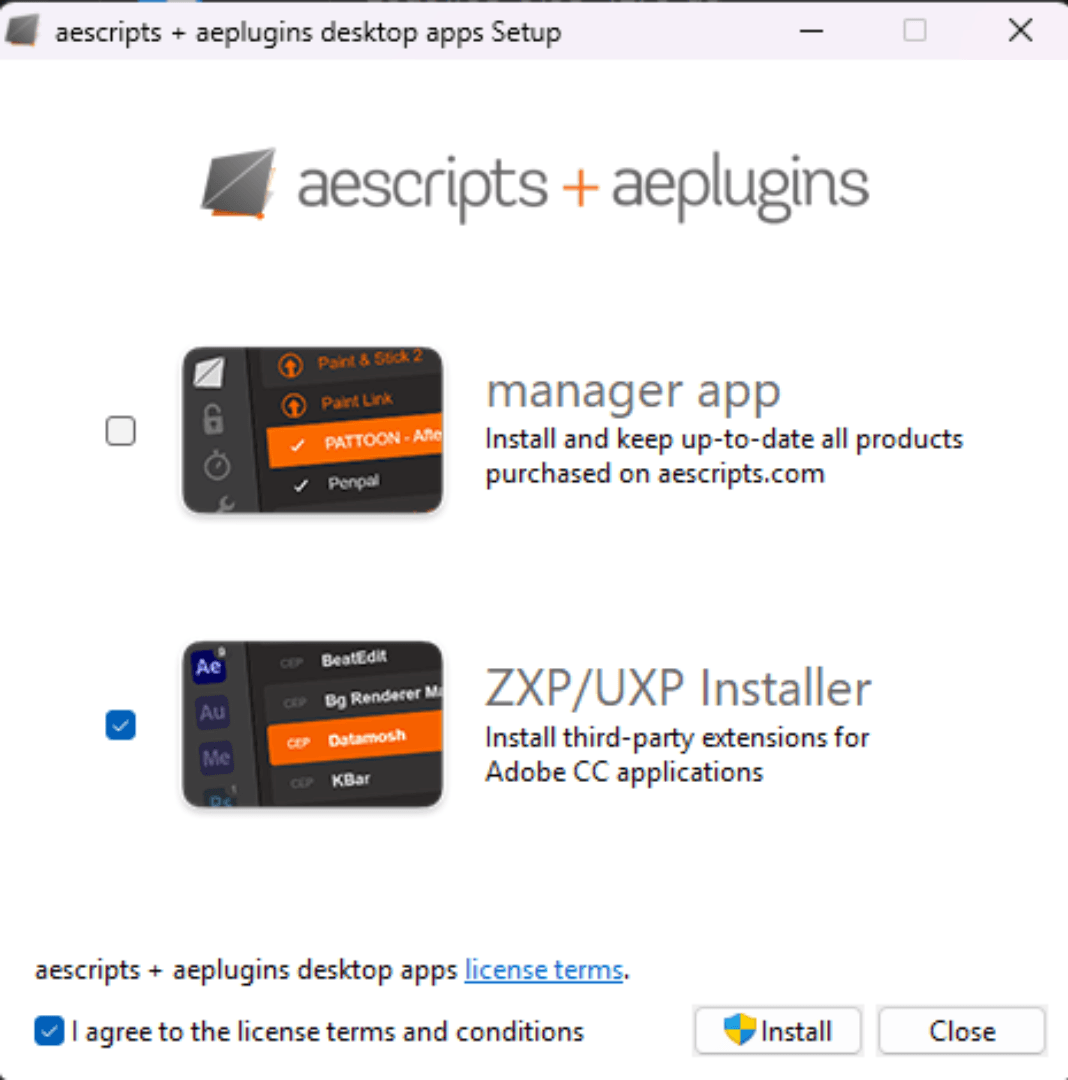
Step 2. Download the AEUX File Download the AEUX folder from the Google Drive below [link]
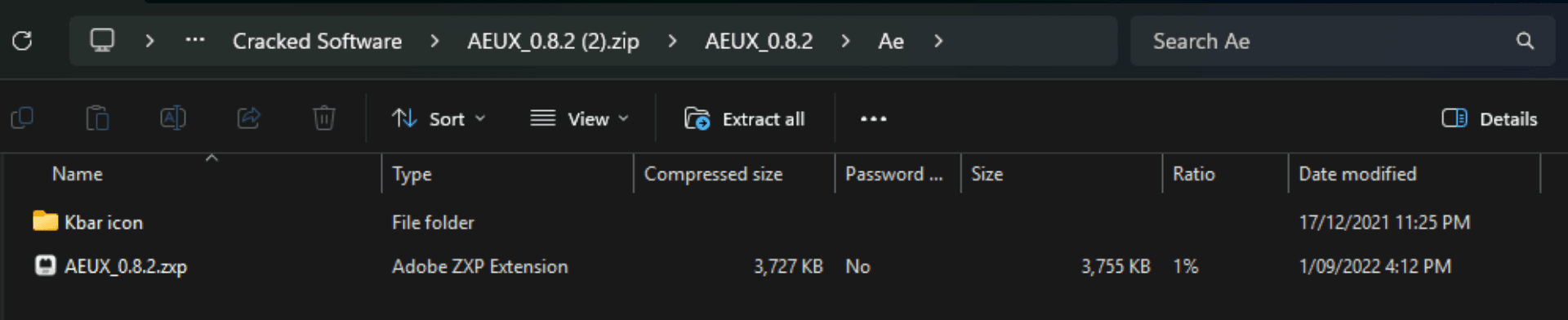
Step 3. Install AEUX Open ZXP Installer and drag the AEUX_0.8.2.zxp file from Ae file into it. It will install automatically.
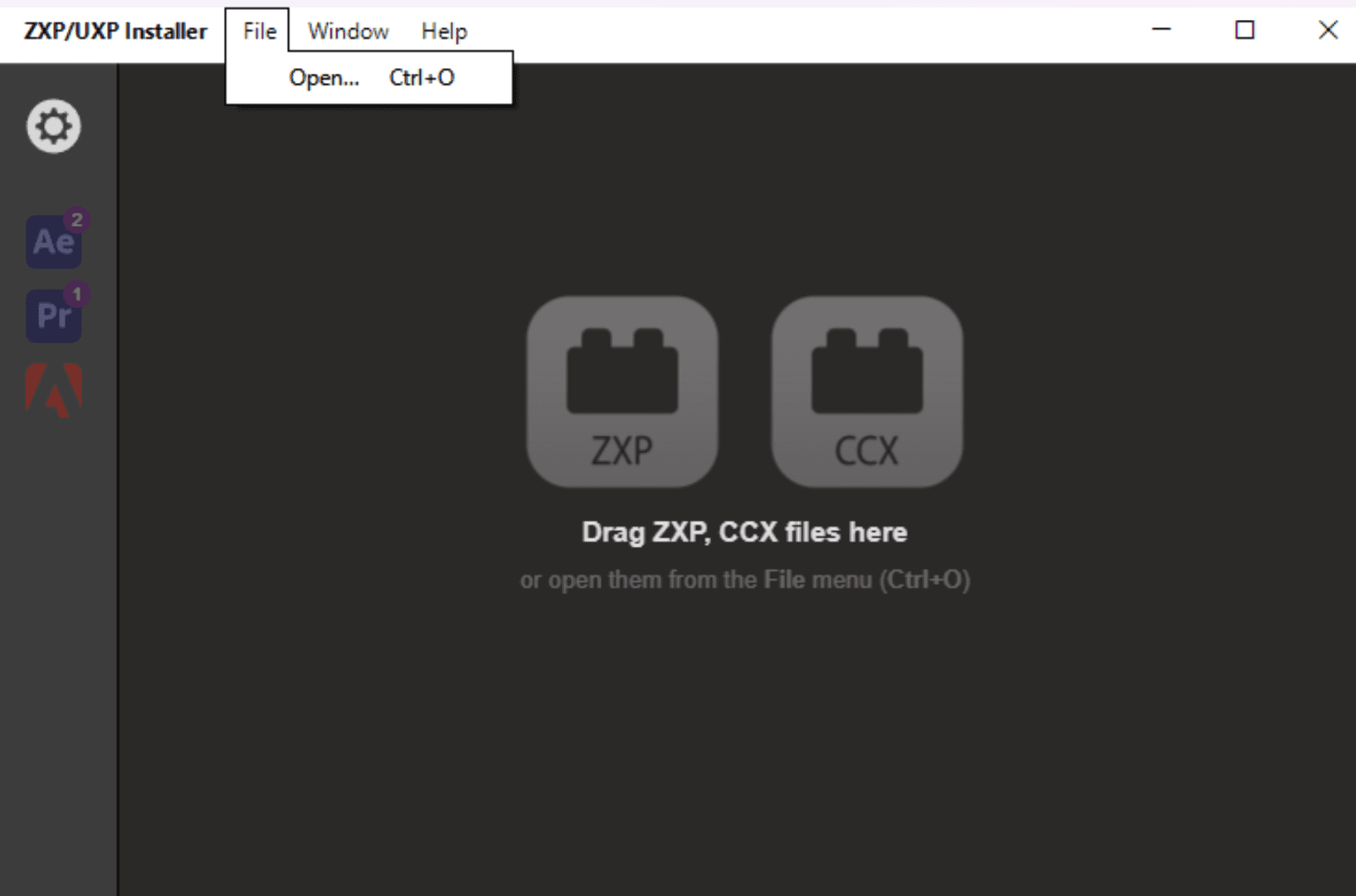
If it won't let you drag it in the click File -> Open, and then select the correct zxp file.
Step 4. Open AEUX in After Effects Once installed, open After Effects and go to: Window → Extensions → AEUX
It will appear there ready to use.
—
Video Breakdown
This lesson covers the full caption zoom tutorial using AEUX in After Effects.