
Viral Academy
Welcome,
NAVIGATION
Module
8
.
Lesson
5
Communicating With Your Editor
Having a communicative editor is worth more than a talented one who goes silent. Skills can be taught, communication cannot. Here is what good communication with your editor looks like.
—
Set Expectations From Day One
Before they touch a single video make sure they know:
How many videos you need per day or week
What the deadline is for each video
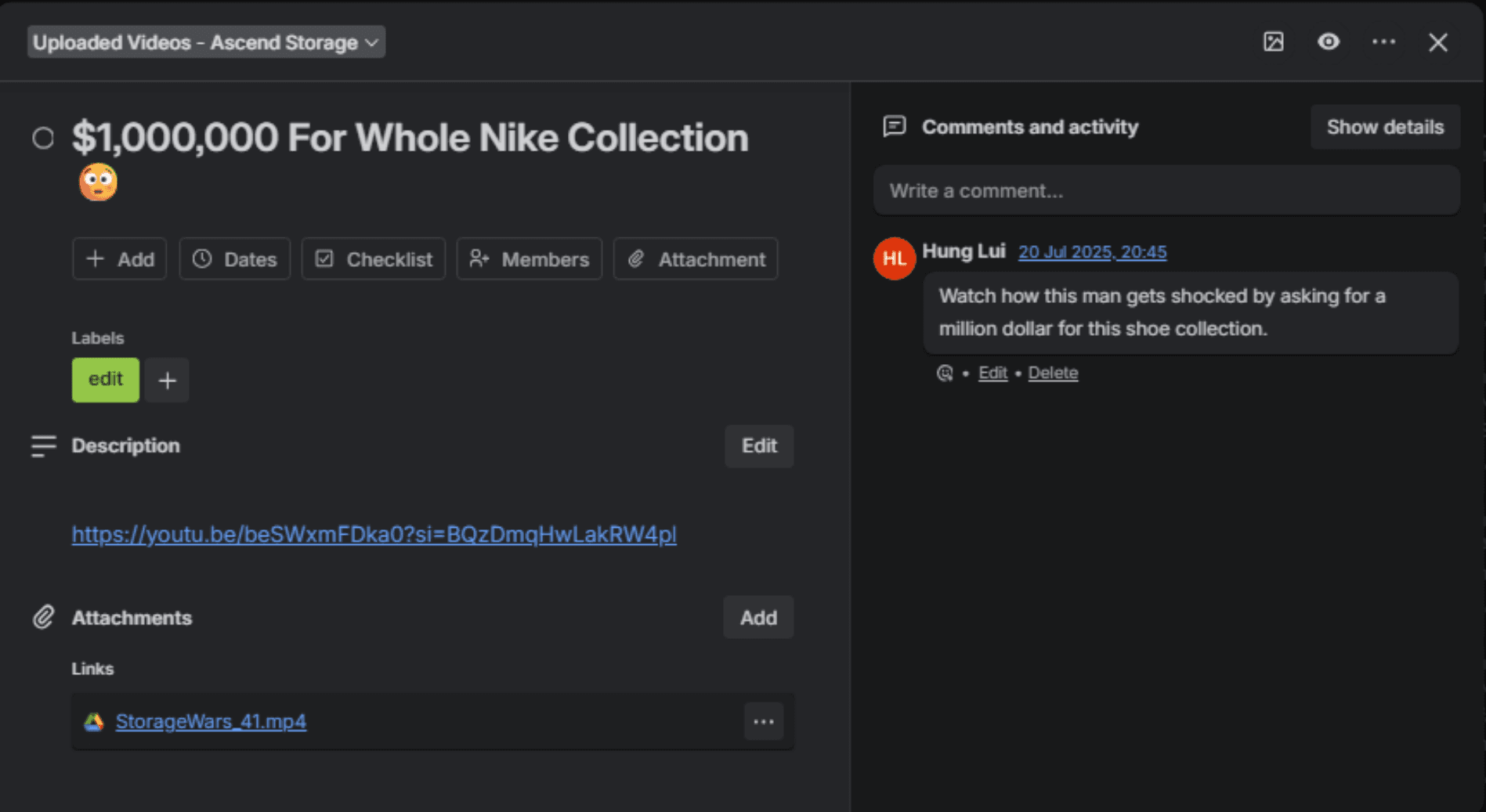
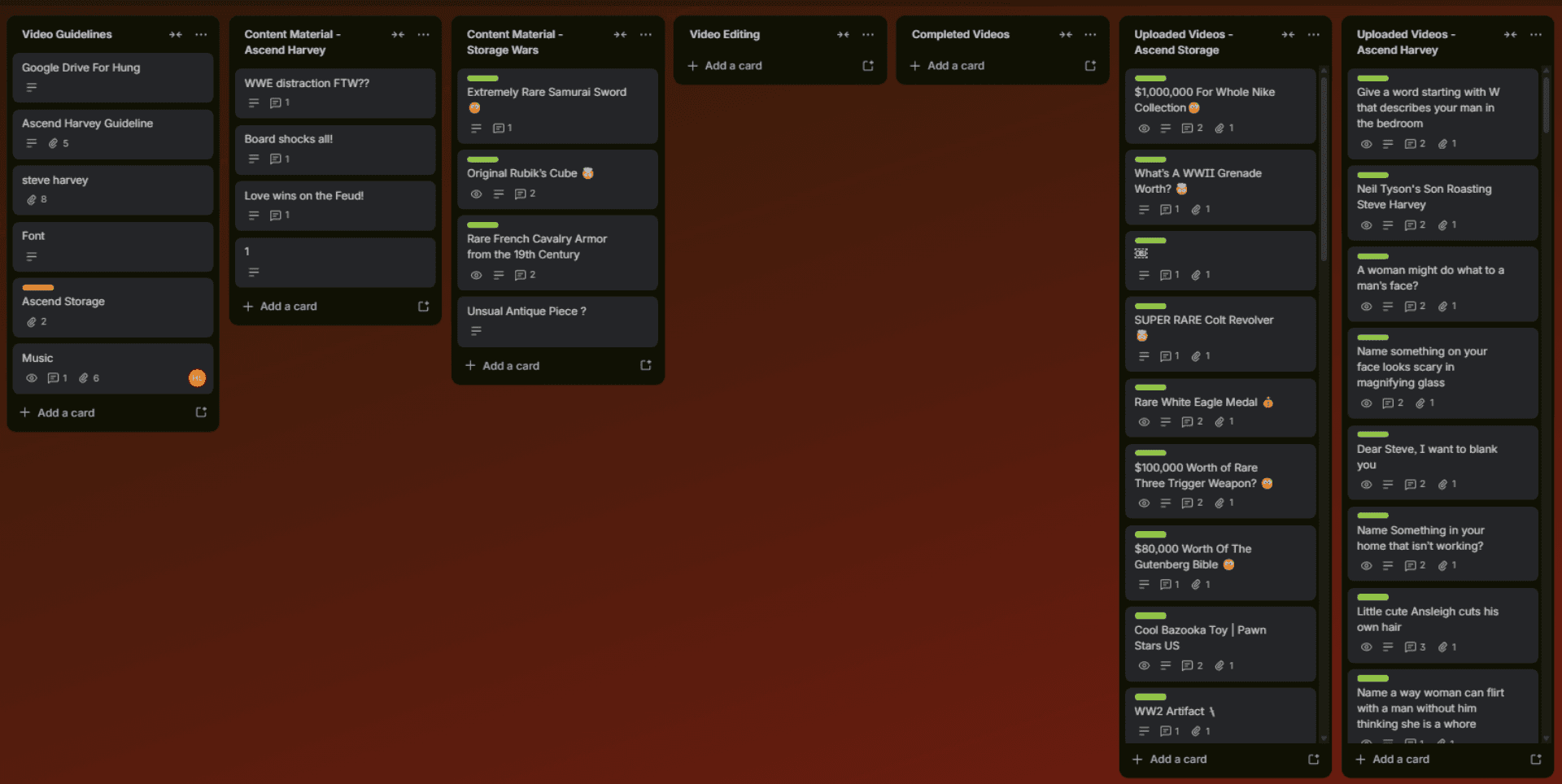
How you want files delivered - Google Drive, Trello card upload etc
How you want to communicate - WhatsApp, Telegram, Discord
Your revision policy - how many rounds and how quickly
Do not assume they know any of this. Say it upfront and put it in writing.
—
How Much Should You Pay
Pay per video is the cleanest structure, especially when starting out. We recommend hiring from Southeast Asia or India where the rates are affordable without sacrificing quality. Here is a general range:
Beginner editor: $3 to $5 per video
Mid level editor: $5 to $10 per video
Experienced editor: $10 to $20+ per video
Do not overpay before you have seen their work. Start on the lower end, agree on a trial batch of 5 to 10 videos, and increase their rate as they prove themselves and your channel grows.
You can also add a performance bonus to keep them motivated. $10-20 per every 1 million engaged views a video generates. This gives your editor a reason to care about the quality of their work beyond just getting paid per edit. When they have skin in the game they put in more effort.
—
Frequent Updates
A good editor keeps you in the loop without you having to ask. If you are always the one following up something is wrong.
What to expect from a communicative editor:
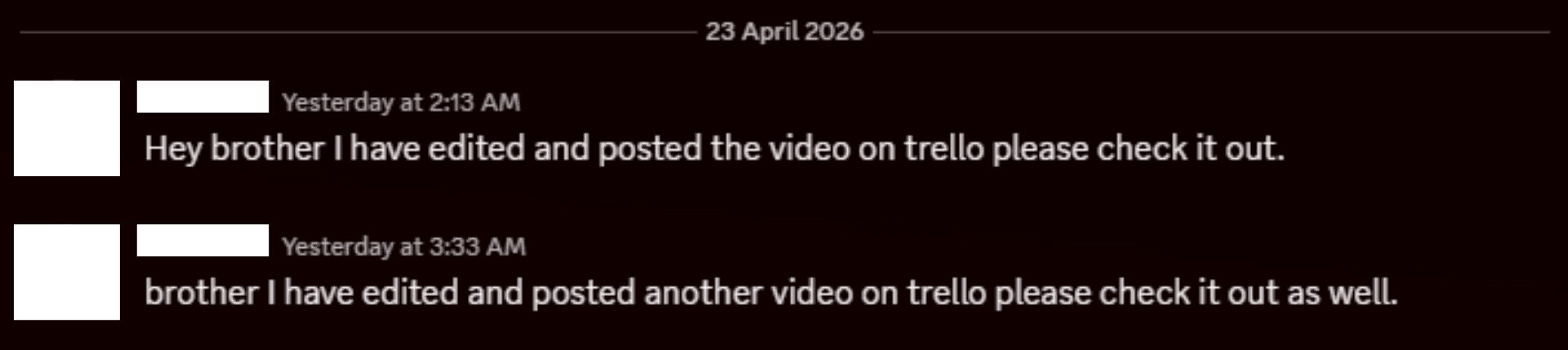
Regular check ins - even just a quick message to say where they are at
A heads up if something is going to be late before it is actually late
Questions when they are unsure rather than guessing and getting it wrong
—
Payments
Be clear about when and how you pay:
Weekly or per video - decide this upfront
What platform - PayPal, Crypto, bank transfer, Wise
What happens if a video needs major revisions - do you pay extra for that
Clarity on money avoids awkward conversations later.
—
Feedback & Revisions
Be specific with your feedback. Vague feedback gets vague results.
Bad: "This doesn't look right"
Good: "The B-roll at 0:14 doesn't match what's being said, replace it with something related to money"
Keep a revision limit, two rounds maximum. Round one for major changes, round two for minor tweaks. If it keeps going back something is wrong with your brief.
—
Keep the Project File
Always make sure your editor keeps the original project file for every video they make. If something needs to be changed after upload (a caption error, a clip that gets flagged, anything) you need them to be able to go straight back into the edit without starting from scratch.
Make it a rule from day one. Project files do not get deleted.
The best editor relationships are the ones built on clear expectations and open communication from the start. Get that right and your channel runs itself.